QR poster, welcome card, email and WhatsApp
Not every guest reads Airbnb or Booking.com messages closely - a printed poster in the property, or a direct message, often gets seen first.
QR poster
Your dashboard can generate a printable QR poster for the property - stick it somewhere a guest will see it early, like the entryway or the welcome folder. Scanning it opens your store link directly, with its own tracking tag so you can see how many orders come from the poster.
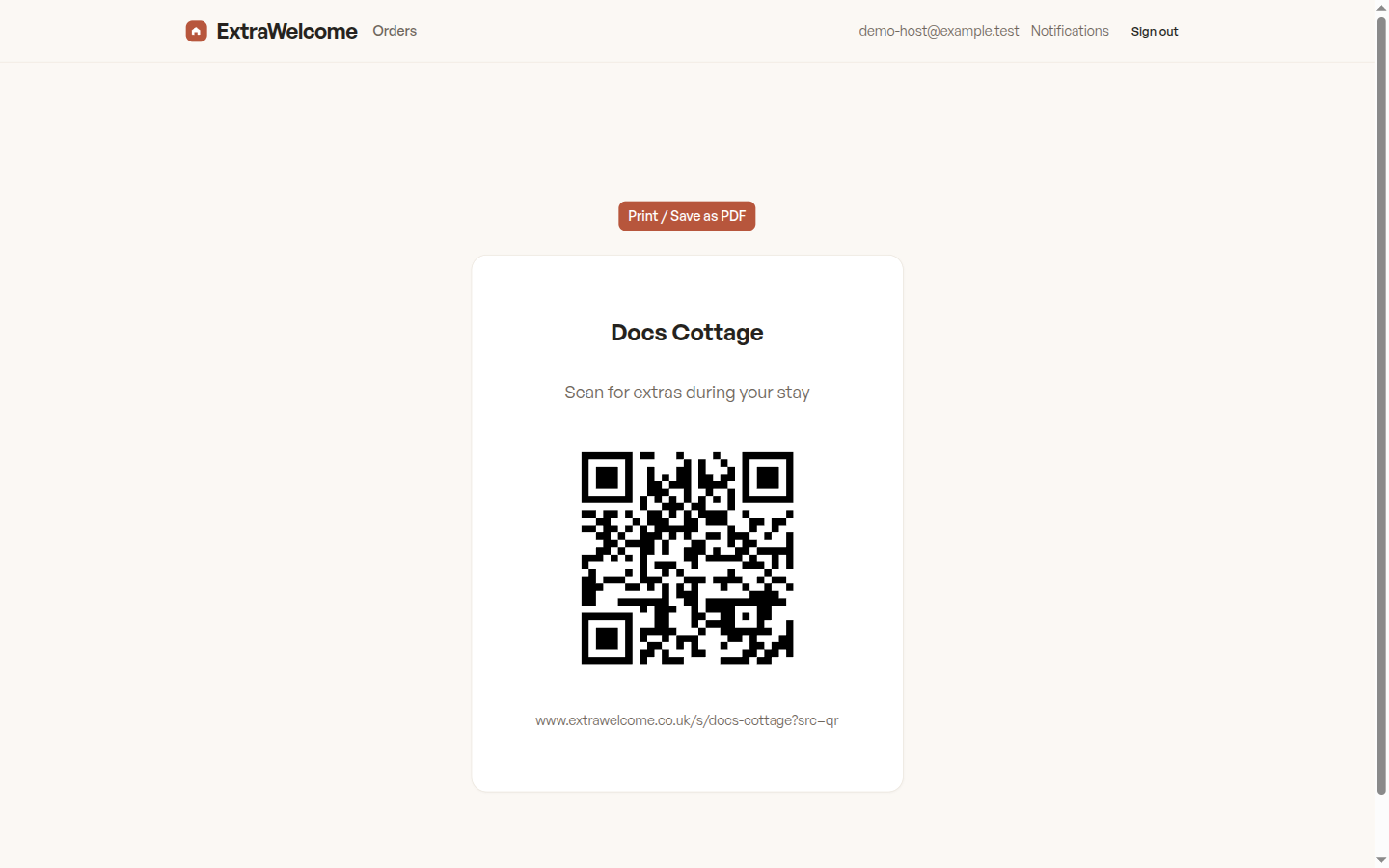
Scan to add extras for your stay: {your store link}
Welcome card
The same share kit also produces a smaller printable welcome card, for leaving on a counter or tucking into a welcome pack alongside your house manual.
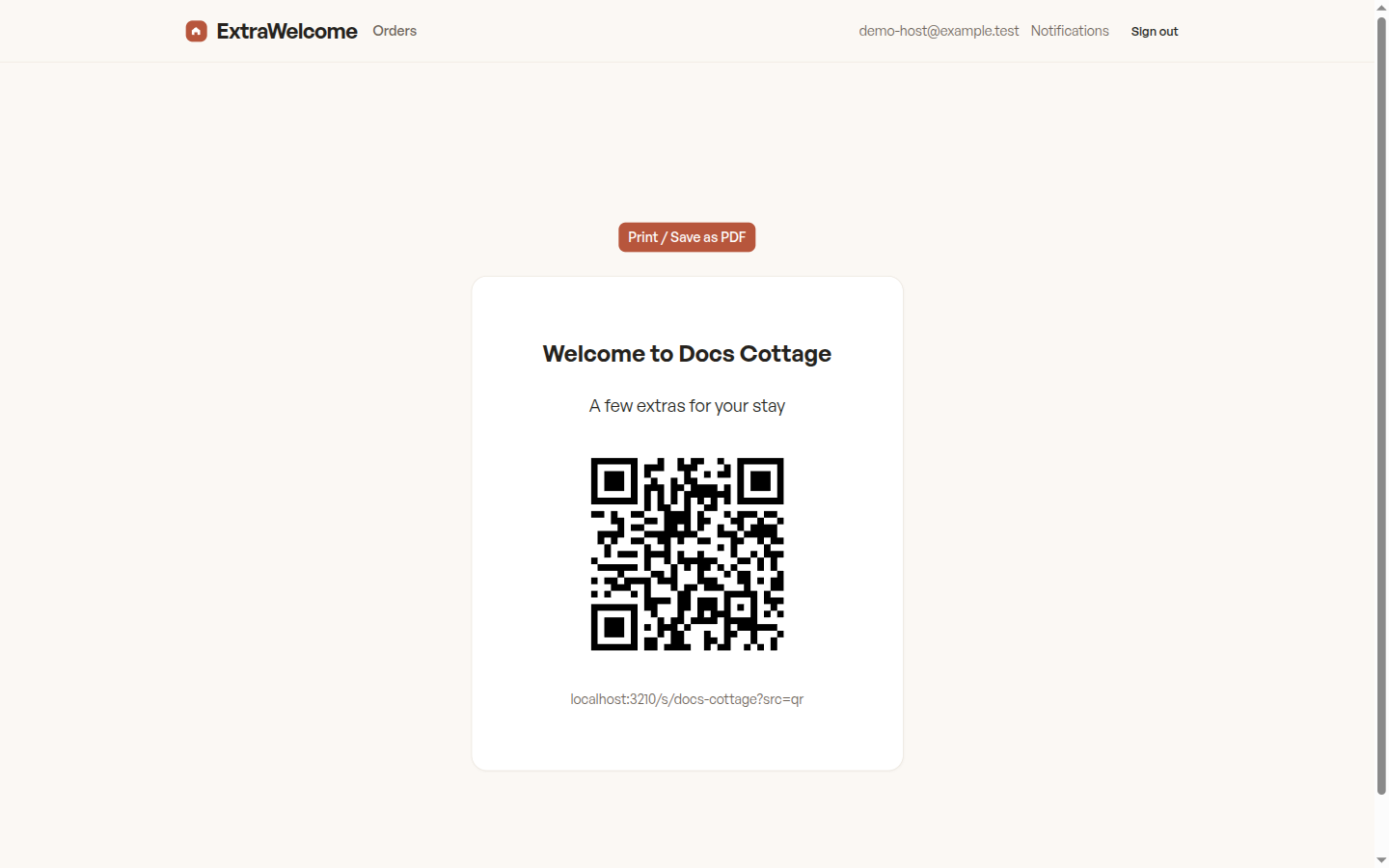
Email
If you send your own confirmation or pre-arrival email outside Airbnb or Booking.com, add this line:
Looking forward to having you stay. Before you arrive, feel free to browse a few optional extras for your trip: {your store link}
WhatsApp or direct message
For guests you message directly:
Hi! Just wanted to send this before your stay - a few optional extras you can add if you'd like, like an early check-in or a welcome hamper: {your store link}
Each of these links is generated from your dashboard's share kit, so copy from there rather than retyping - the link carries your property's slug and a tag for the channel automatically.
Next: Airbnb saved and scheduled messages or Booking.com reply templates.