Booking.com - reply templates
Same idea as Airbnb: your store link is an in-stay guest-experience extra sent to a guest who has already booked - never a way to take payment off Booking.com.
Where to find it
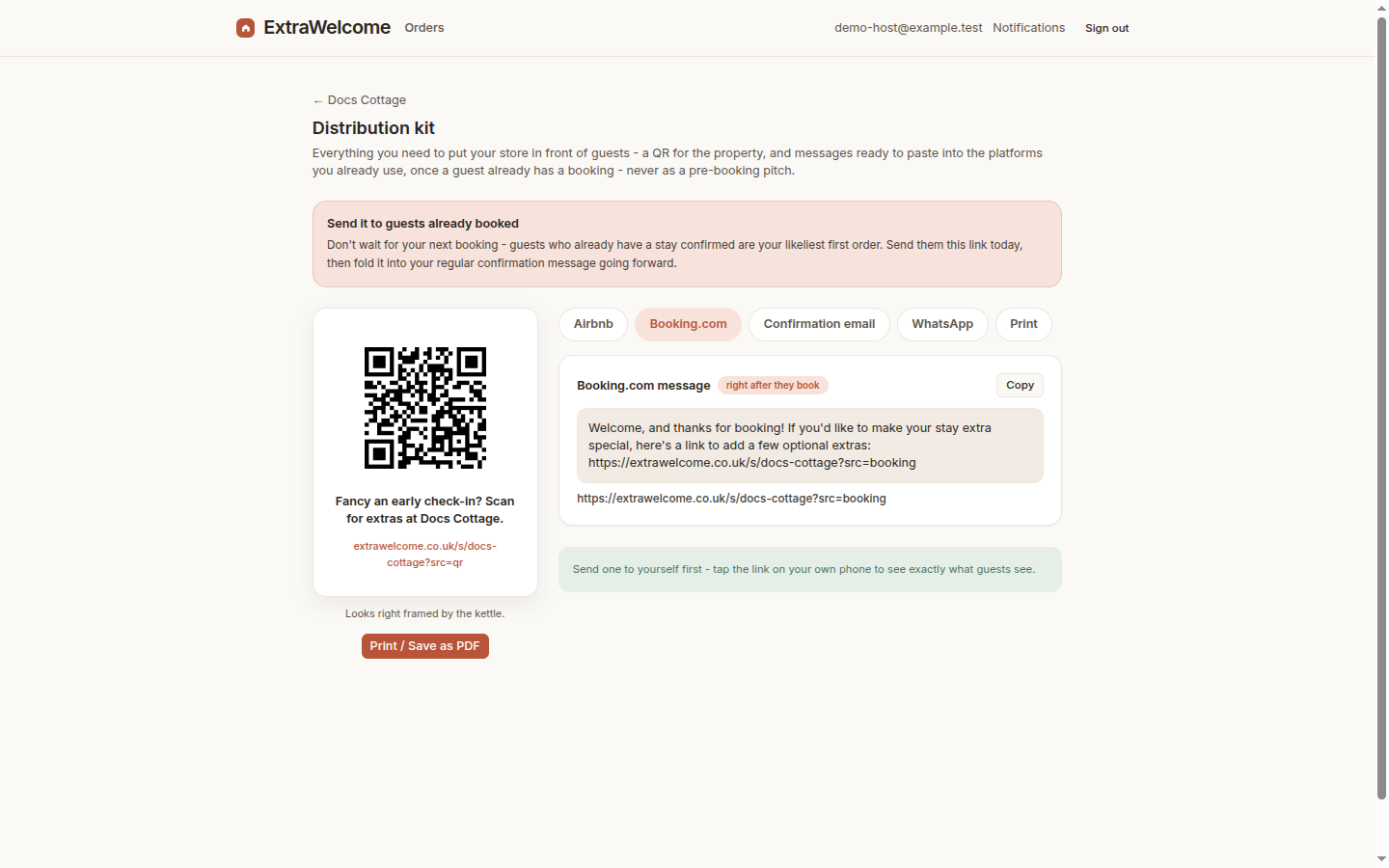
Open your property's share kit in the dashboard (Properties → your property → Share) and copy the Booking.com message card - your store link
and a tracking tag are already filled in.
The message
Welcome, and thanks for booking! If you'd like to make your stay extra special, here's a link to add a few optional extras: {your store link}
Using it as a reply template
Booking.com does not offer the same saved/scheduled message tooling as Airbnb, so the simplest approach is a reply template in the Booking.com Extranet's messaging tools: save this message once, then send it manually to each guest around the time you would normally send a welcome message - right after booking, or a few days before arrival.
Screenshot pending manual capture - this step happens inside Booking.com's own Extranet, not this product, so it needs a real Booking.com host account to capture from.
Next: Airbnb saved and scheduled messages or QR poster, email and WhatsApp.